SPATIAL for retail
From the window to the till, every step counted.
Passers-by, entries, who comes in, what they buy: SPATIAL joins camera data with sales data, shows you where you lose customers and what winning them back is worth, and makes your in-store screens speak to whoever walks in. For one store or a network of a hundred.
The physical store funnel
Your store's funnel, finally visible.
Each stage is a ratio: attraction rate = entries over passers-by, conversion = receipts over entries, Shopper Yield = revenue over entries. Three numbers that tell you whether the problem is the window, the store or the range. And every day you compare them with the week before.
- Passers-by10,358
- Entries (attraction 25.3%)2,618
- Receipts (conversion 20.6%)539
- Shopper Yield (revenue over entries)€45 per person
Example from demo data
What it measures in store
The whole store, in one dashboard.
Traffic. Entries, exits and people in store by hour and day, occupancy against capacity, peak hours in a heat map.
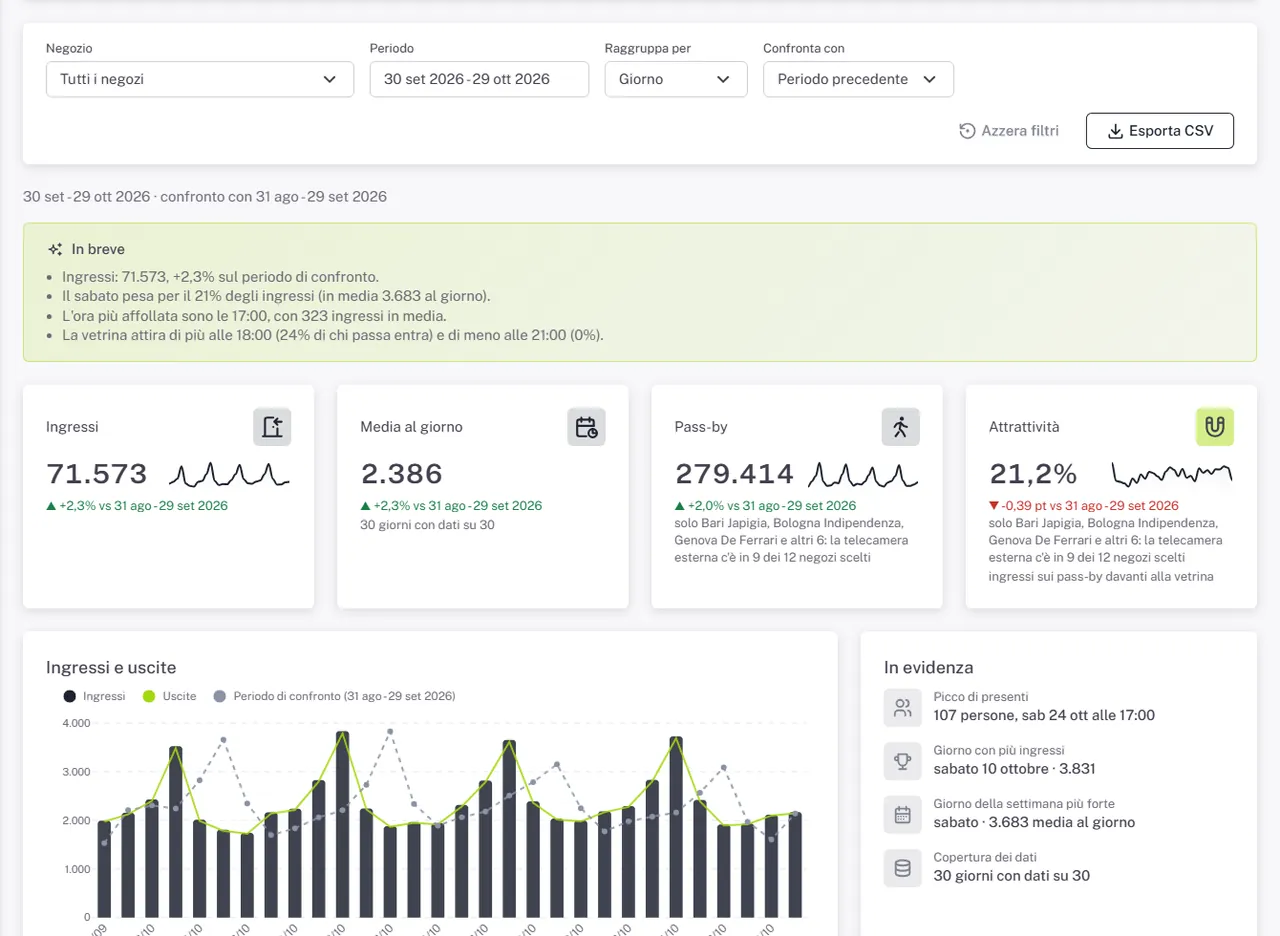
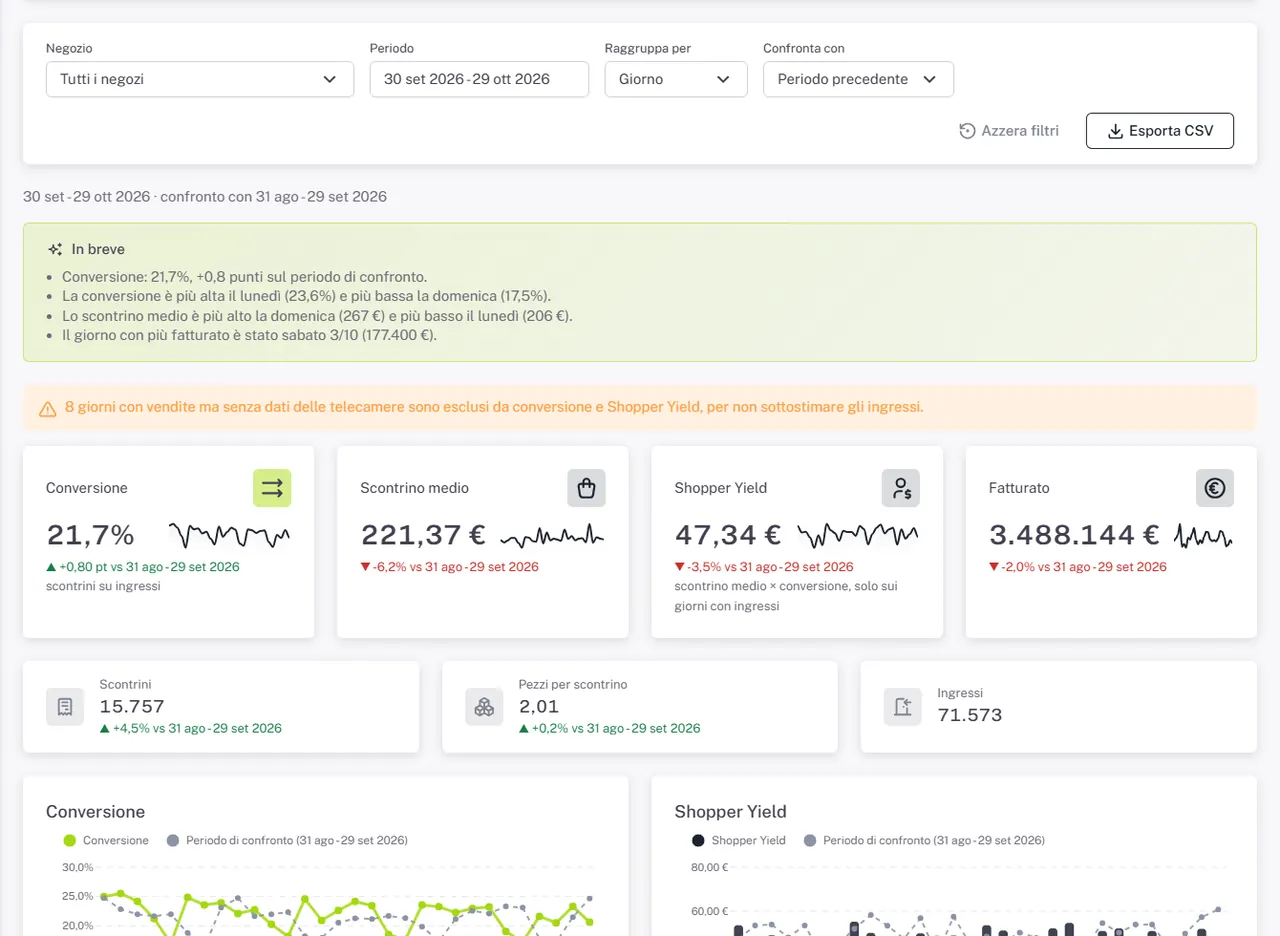
Store analytics. Conversion, average ticket, items per receipt and Shopper Yield by store and period, with store-to-store comparison.
Sales analytics. Categories and products, gross margin, returns, receipts by amount band.
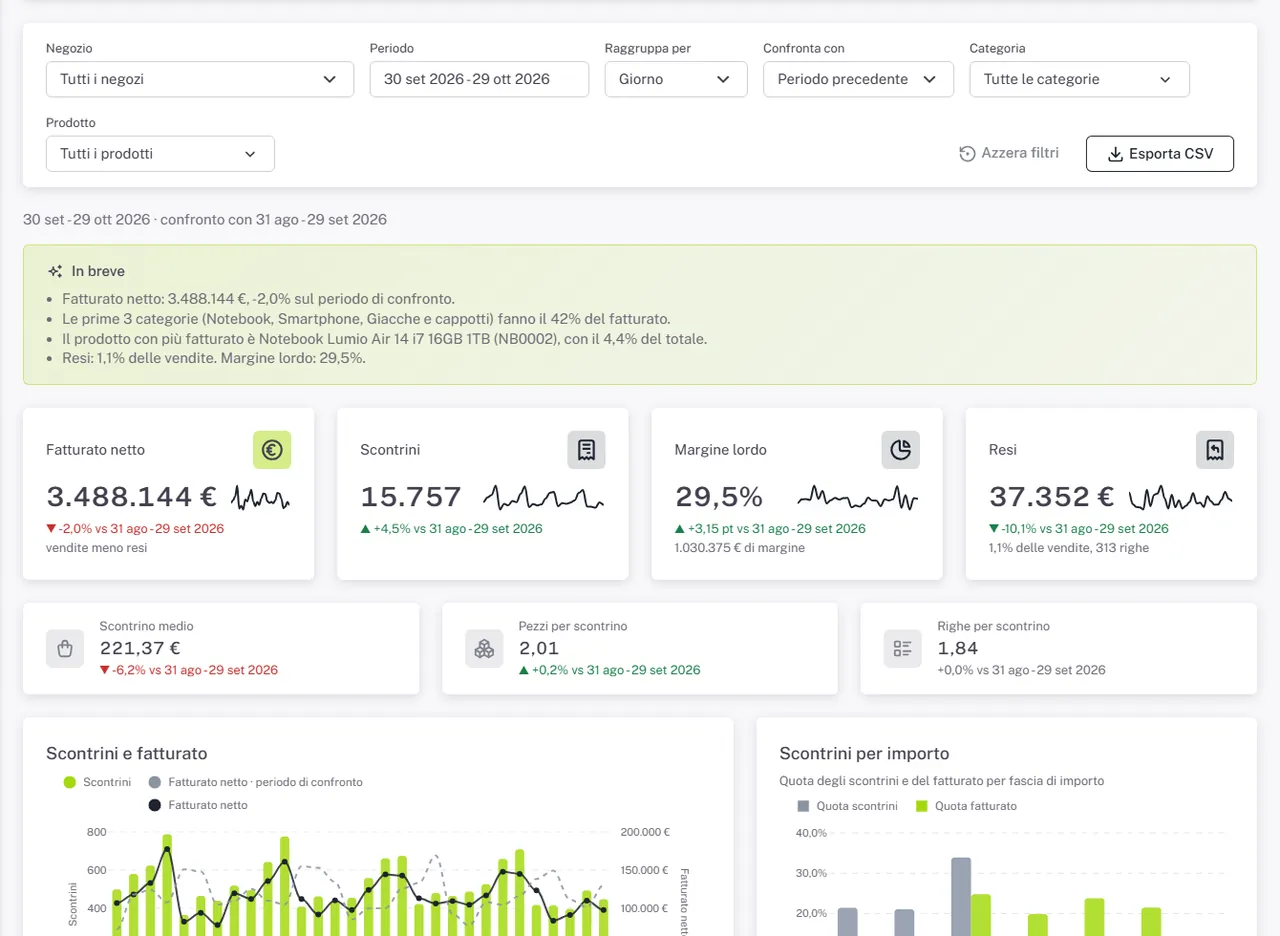
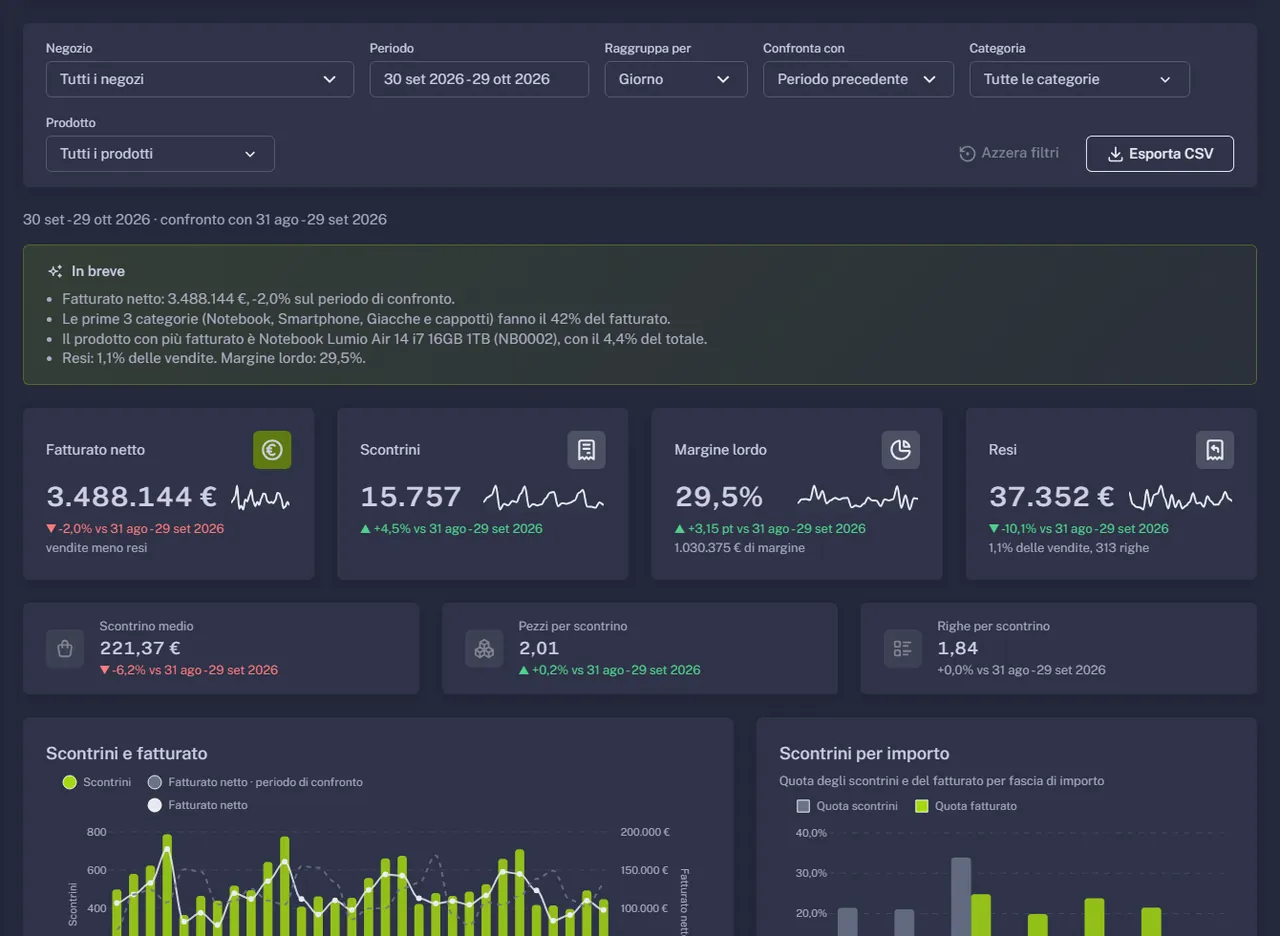
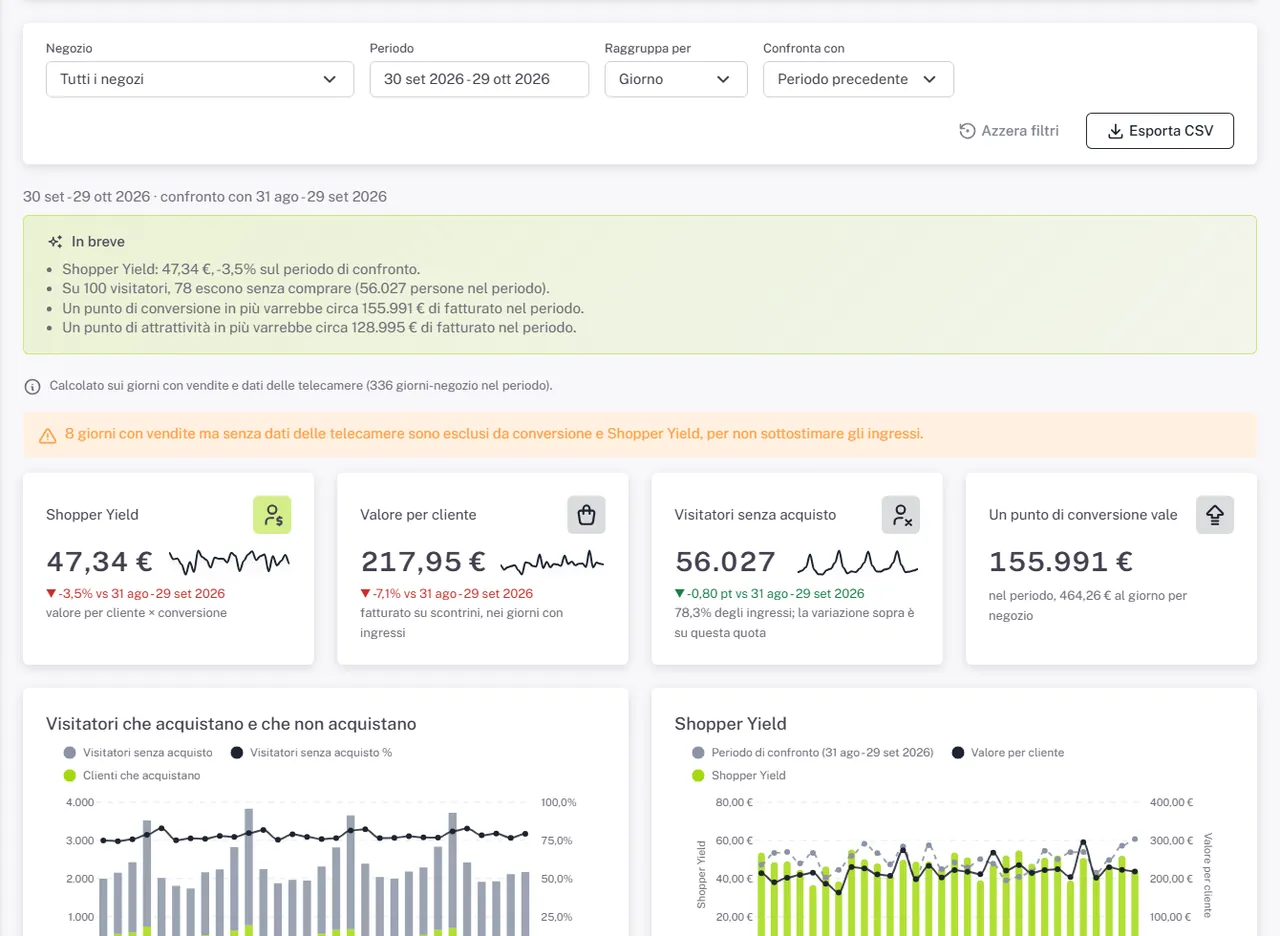
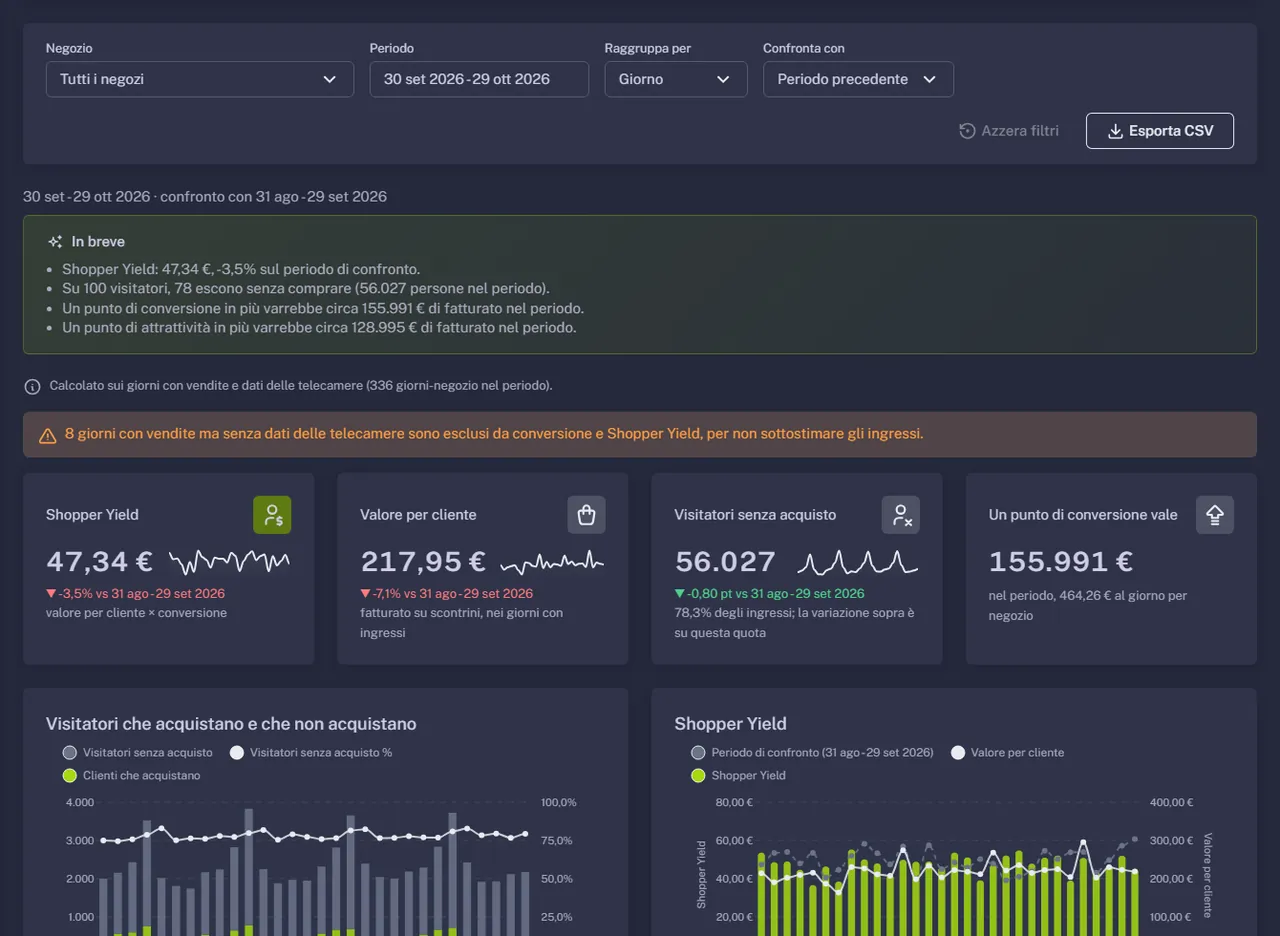
Customer value. Value per visitor and per customer, visitors who left without buying, the euro value of one point of conversion or attraction.
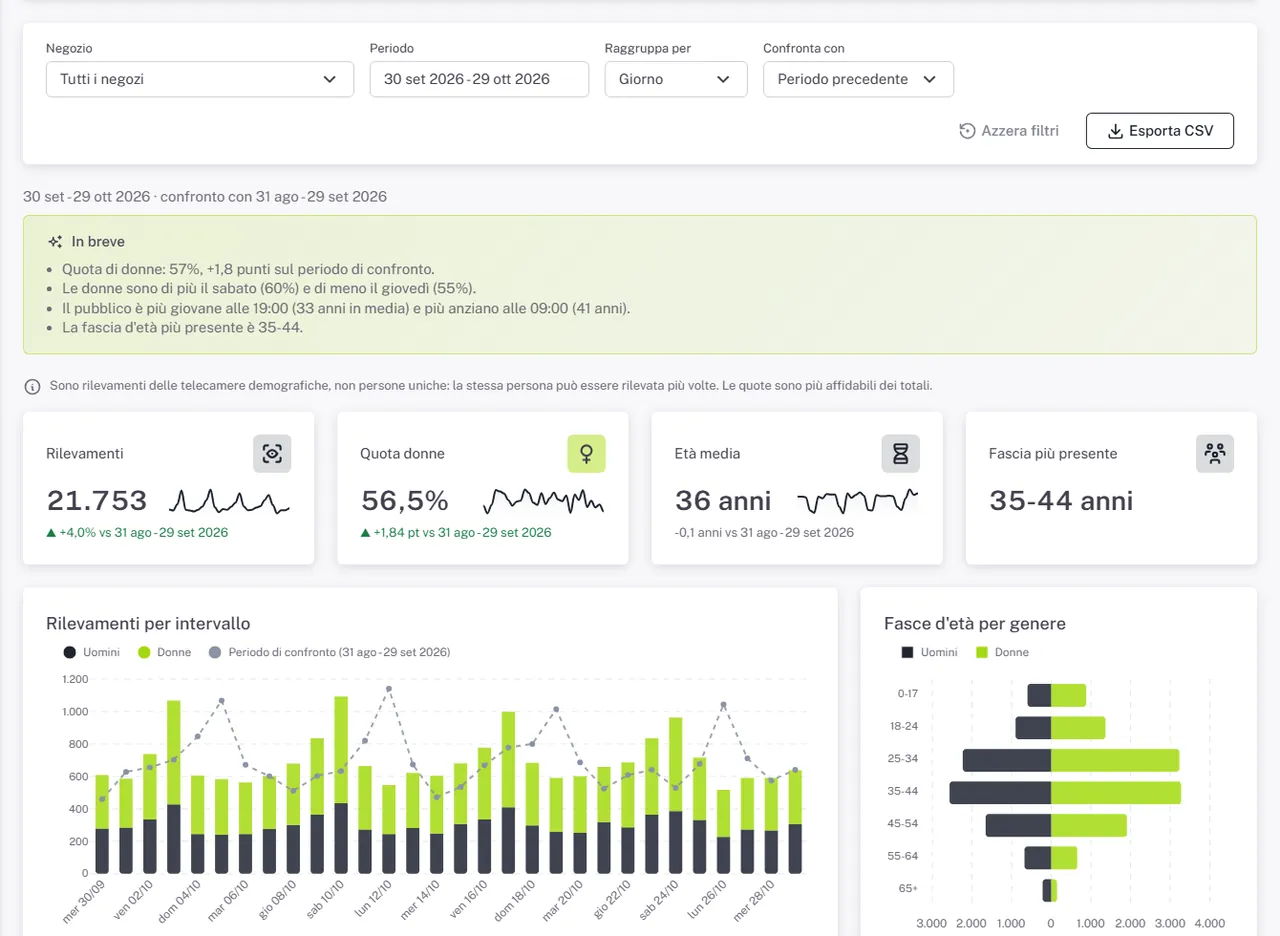
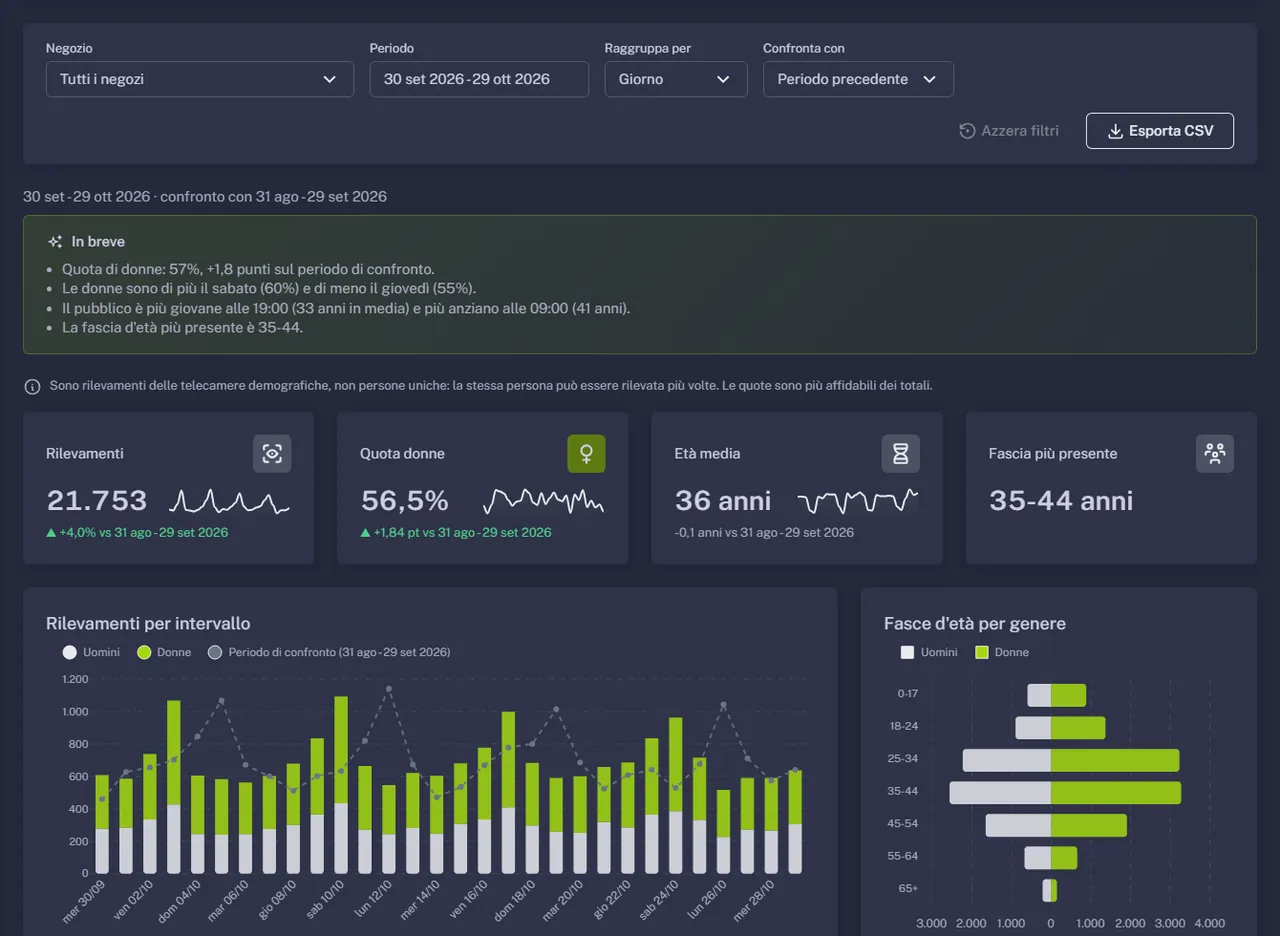
Demographics. Women and men, age groups, by hour and weekday: who really comes in.
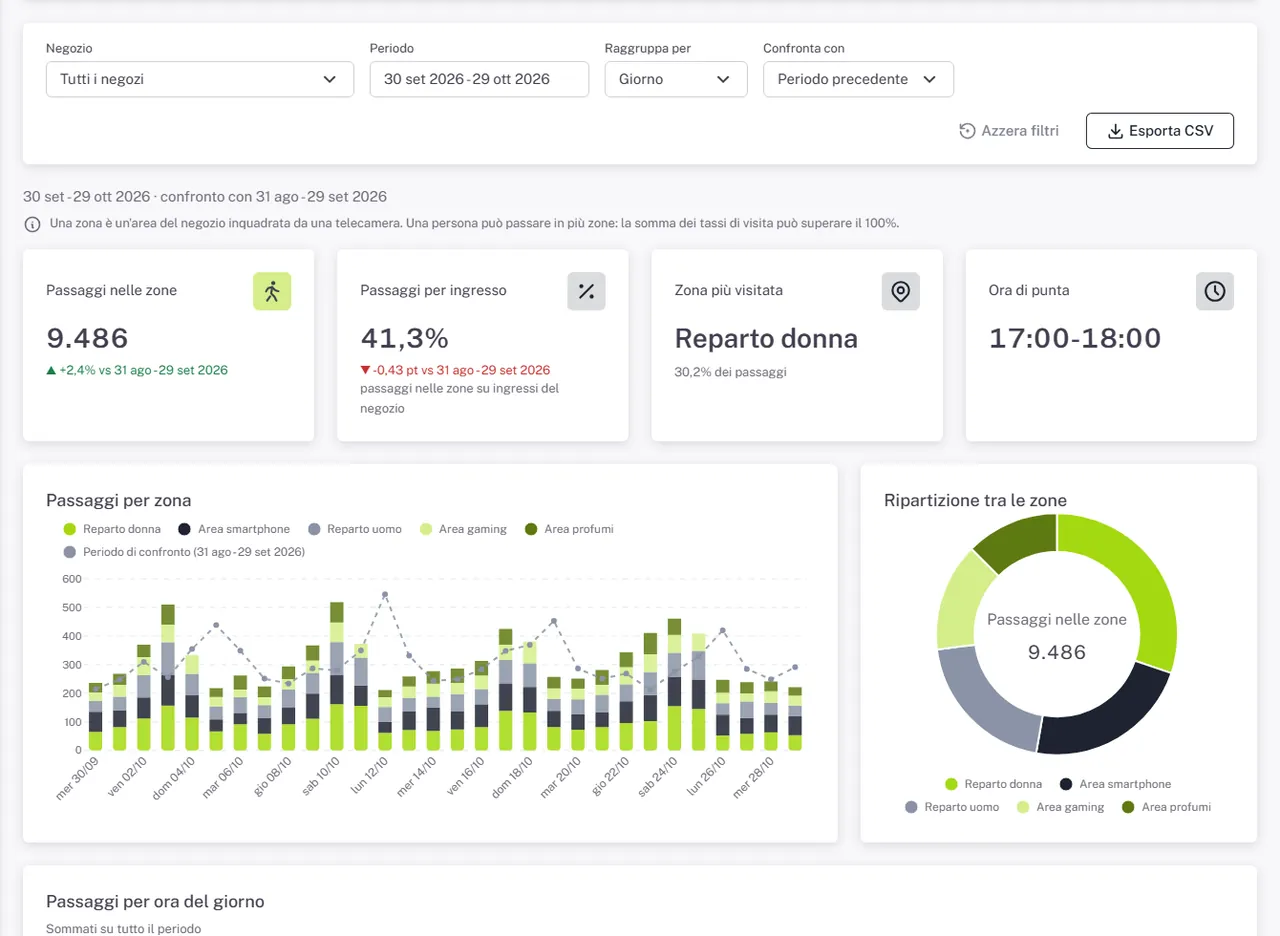
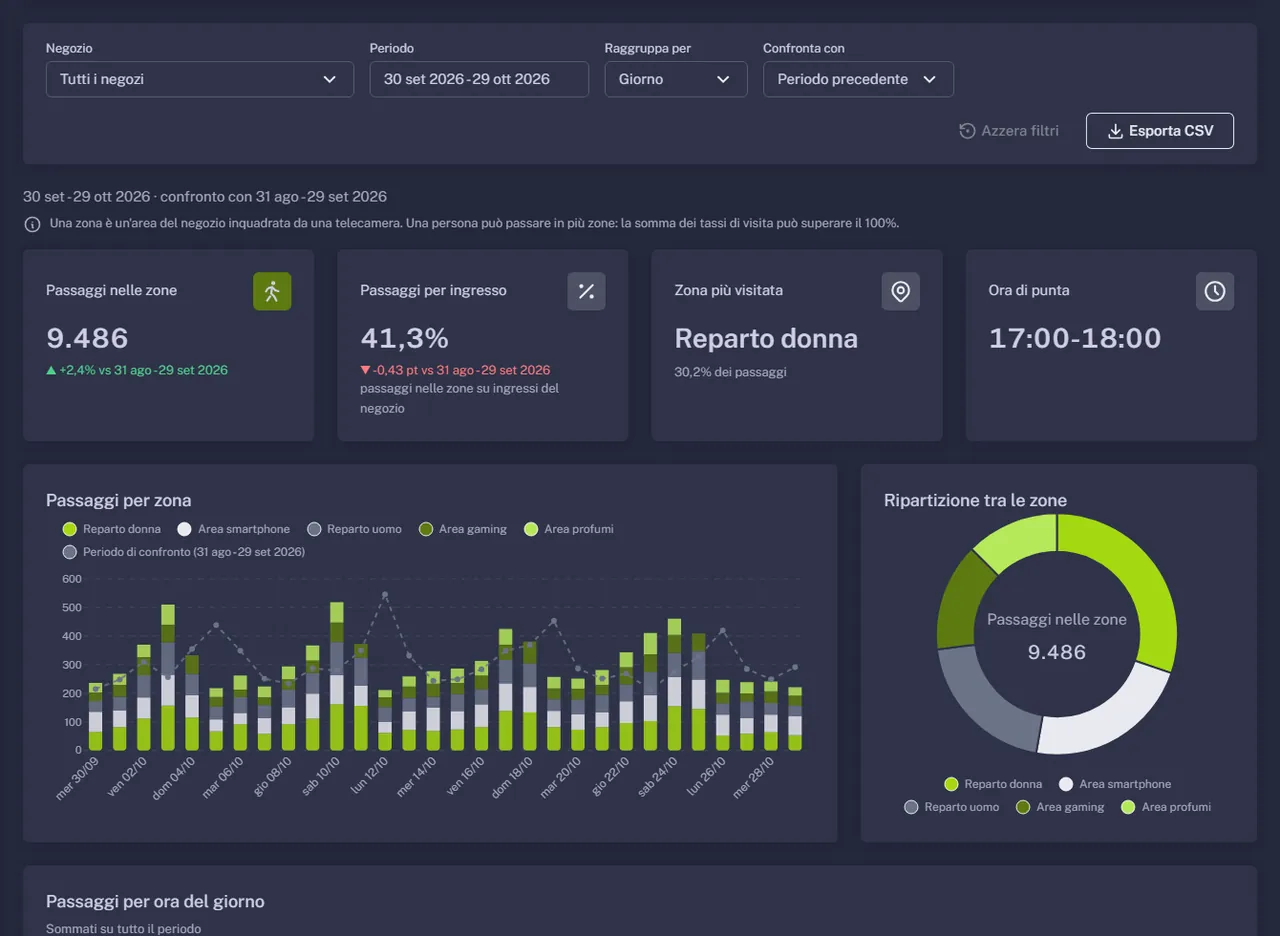
Zones. Departments that attract and departments ignored, hour by hour.
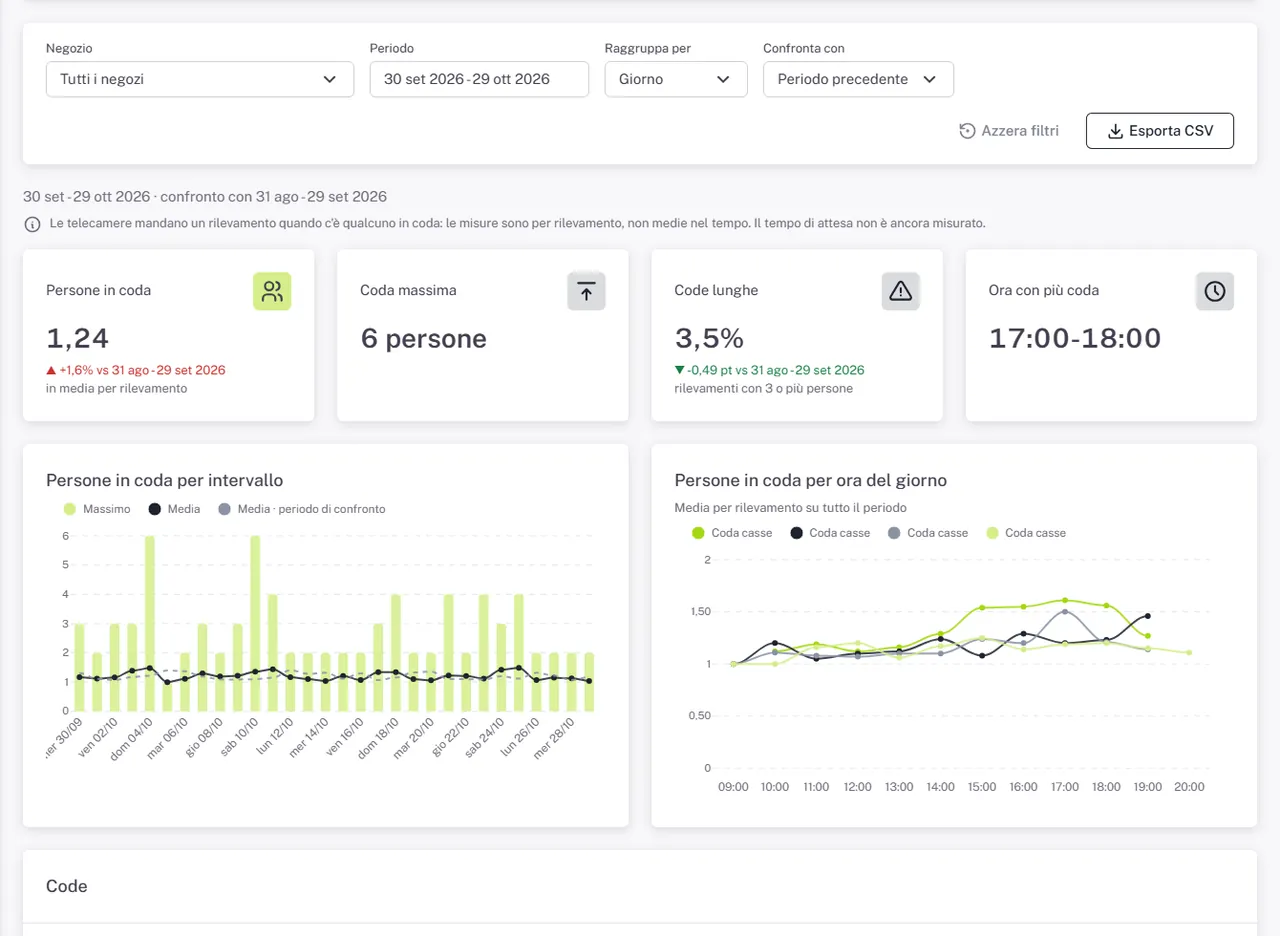
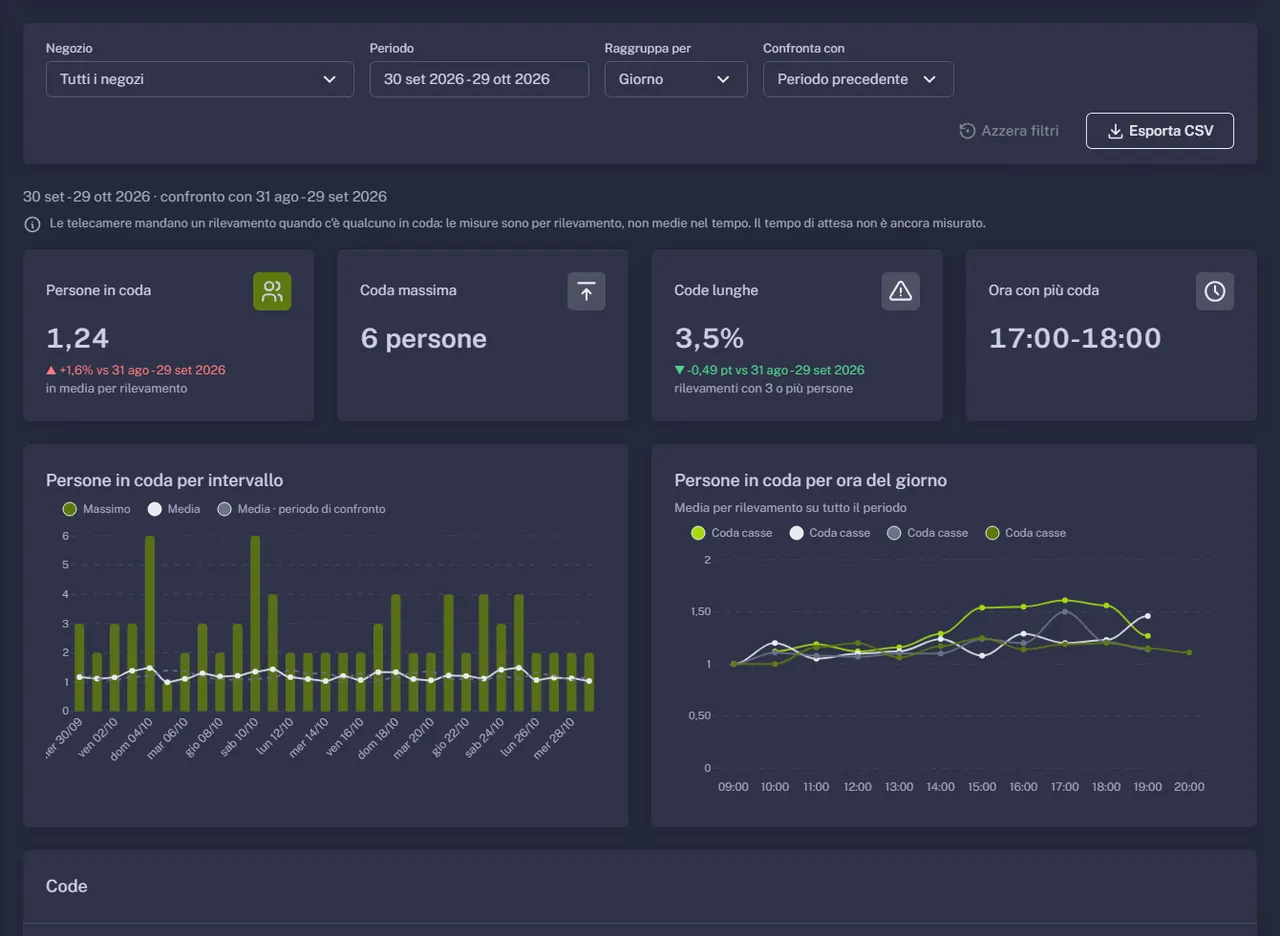
Queues. Checkout queues by hour and day, to move staff before they build up.
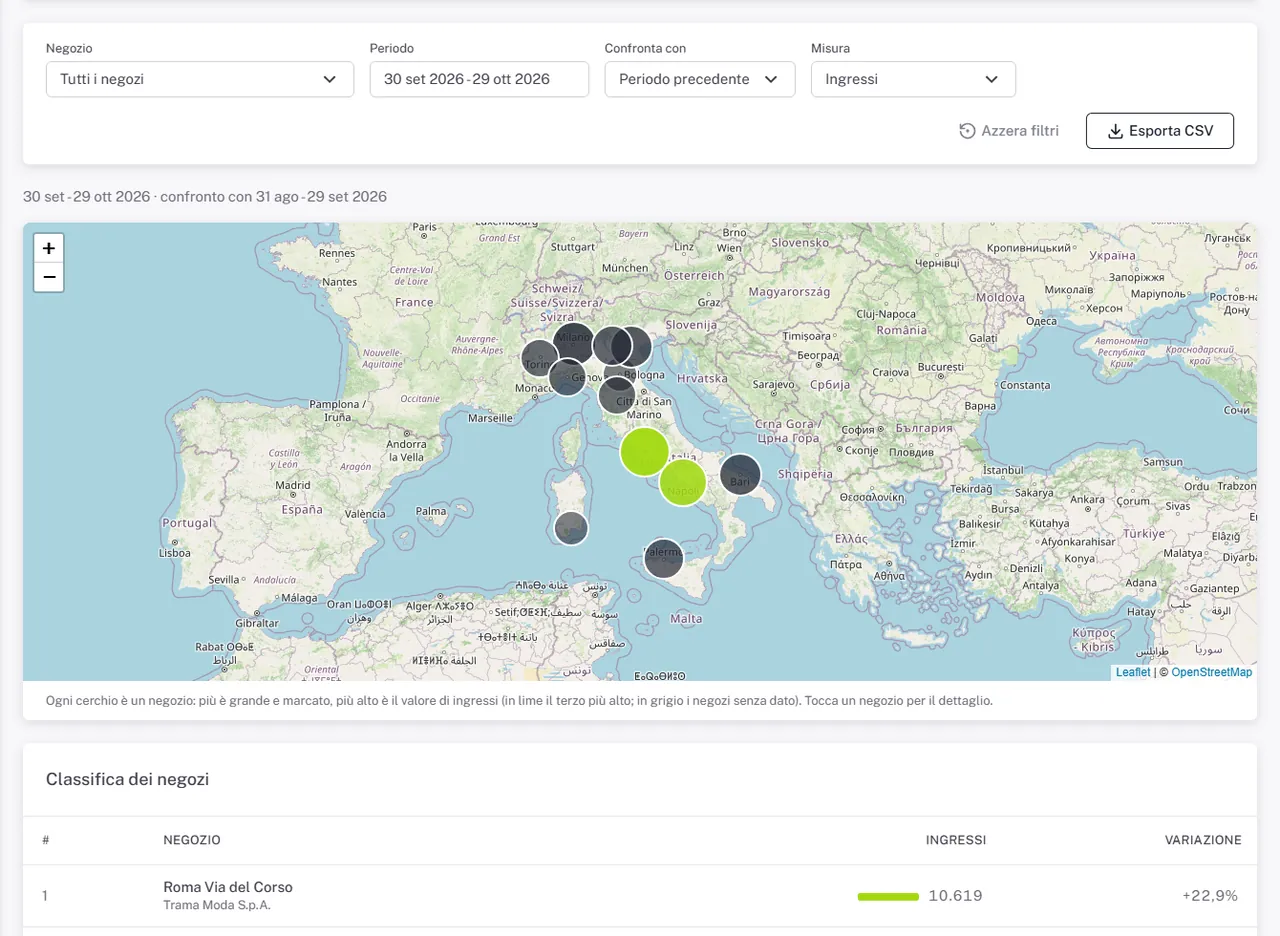
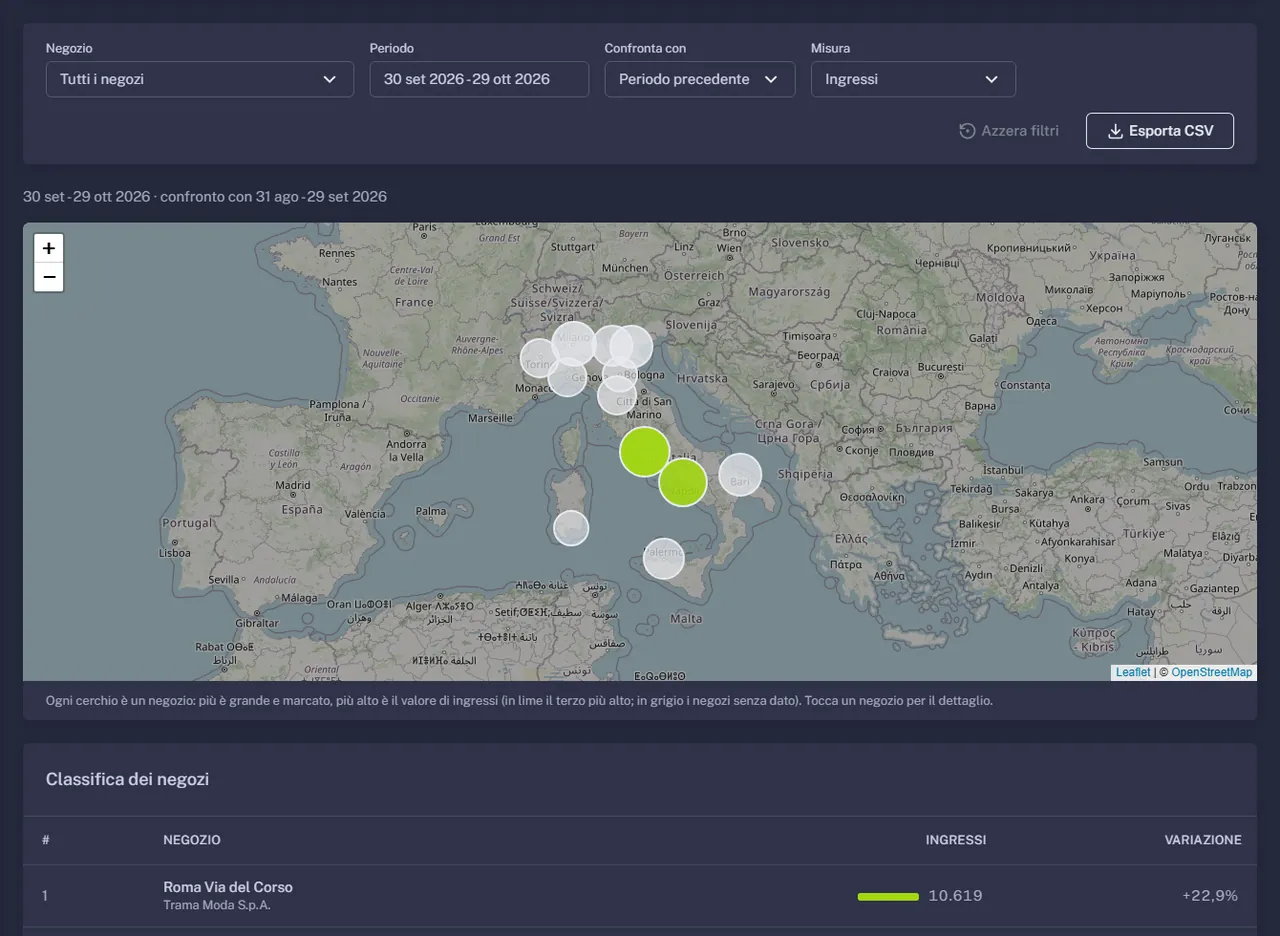
Store map. The whole network on a map, with each store's measures and ranking.
Plus Profiles and sales: what sells when the audience changes, categories by share of women and average age.
Shopper Yield
One number to compare different stores.
Shopper Yield is revenue per person entering, that is conversion times average ticket. It makes the store that converts a lot with small receipts comparable with the one that converts little with big sales. It is the first number to look at when you compare sites with different selling styles.
Different conversion, different ticket: Shopper Yield shows the two stores earn almost the same.
Simulator
What is one more point worth?
Move the sliders to your store's numbers and see what changes.
Entries cannot exceed passers-by: the calculation uses the passers-by.
Today
- Revenue per month
- Attraction rate
- Shopper Yield
Indicative estimate. One point of conversion is worth entries × 1% × average ticket; one point of attraction is worth passers-by × 1% × conversion × average ticket. SPATIAL computes these values on your real data, store by store.
Who it is for
Everyone sees the numbers they need.
Management and marketing
The whole network at a glance, store comparison, the effect of campaigns, windows and promotions measured before and after.
Area managers
Your stores, the hours and days that matter, the best store's good practices to bring to the others.
Store managers
Today against last week, shifts on real footfall hours, queues seen before they build up.
Everyone sees only the data that concerns them: by role, by brand, by store.
What you do with it
From numbers to everyday decisions.
More sales from the same traffic
See where you lose customers, between window, entrance and till, and act there.
Staff at the right hours
Shifts and opening hours planned on real flows, not impressions.
Measurable investments
Windows, layouts, promotions and campaigns judged before and after.
Knowing your audience
Range and communication adapted to who actually comes in.
Store comparison
The best stores' good practices become visible and repeatable.
Faster decisions
Assistant sums up the week in concrete advice, no analyst needed.
Smart digital signage
Themed advertising for whoever walks into your store.
Your in-store screens stop looping the same video. You prepare a schedule for each profile, for example the new collection for women aged 25 to 34 or the fitness deal for men aged 35 to 44, and SPATIAL puts it on air when that audience is in front of the screen. You can also offer partner brands slots targeted at their audience, with the numbers of who saw them.
- Themed advertising for specific targets
- Targeted slots to offer partner brands
- Coverage by gender and age always in view
- No face stored: the estimate stays on the camera
- 1
Prepare the content
Campaigns, promotions and videos are uploaded to the digital signage system as usual.
- 2
Match it to profiles
For each screen choose the programme by gender, age group and duration. Rules can be copied to other screens.
- 3
The screen adapts
The camera next to the screen estimates who is in front: SPATIAL puts the right programme on air.
- 4
Measure and improve
See who passed in front of each screen and which groups were left without dedicated content.
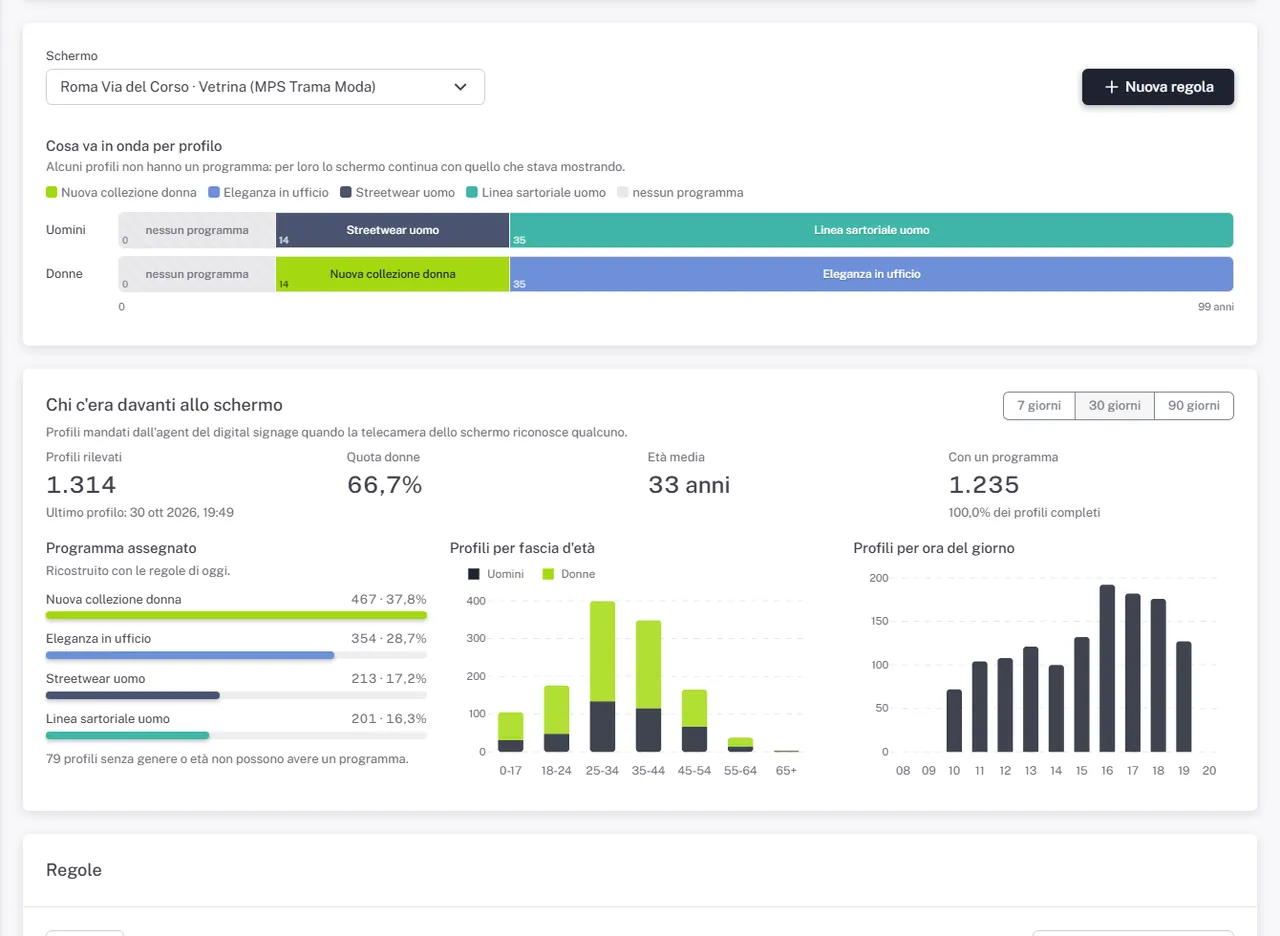
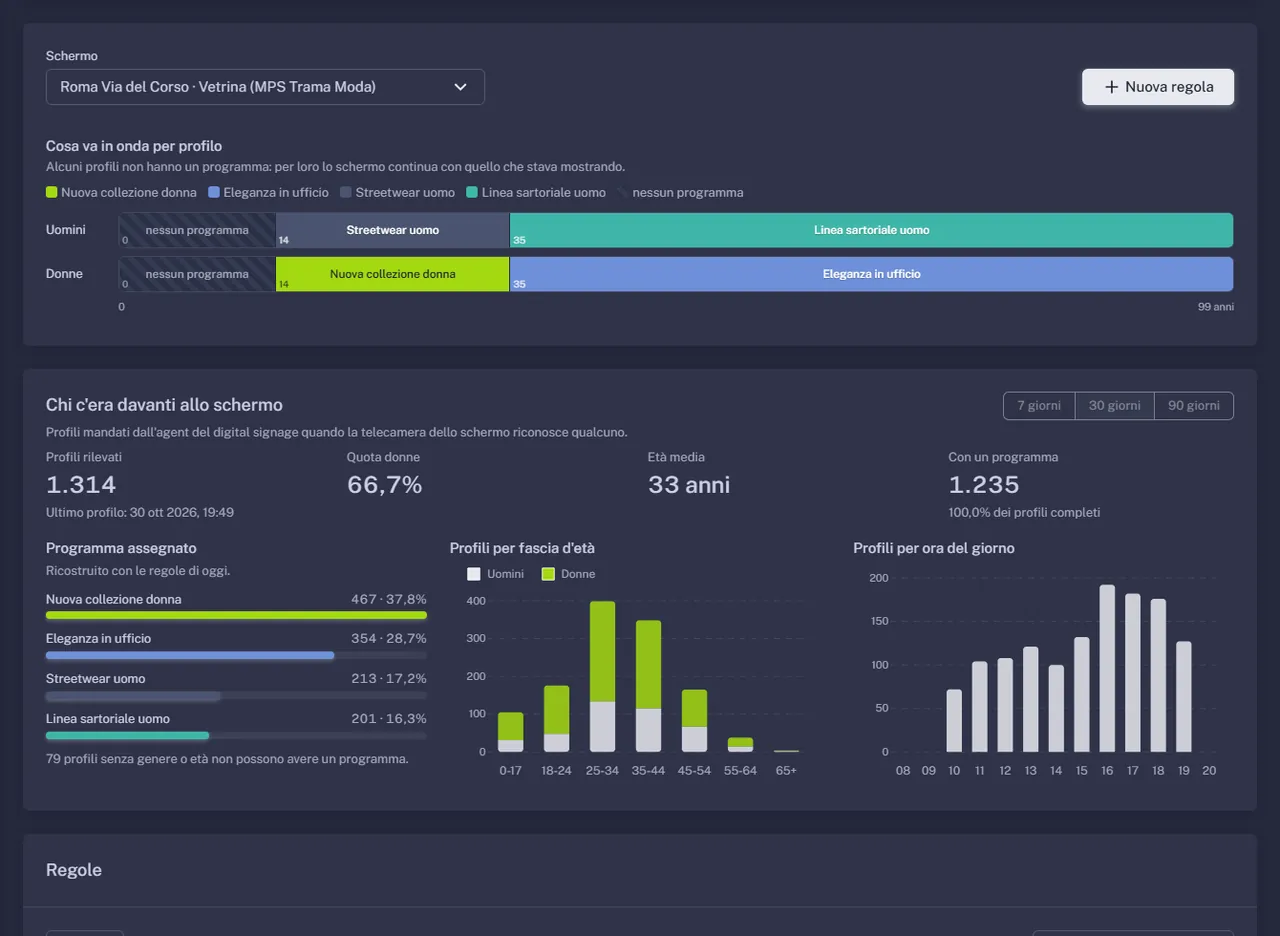
Today SPATIAL drives screens managed by Dahua MPS. For other digital signage systems we assess the integration with you.
Frequently asked questions
The questions we hear most often.
How do sales data come in?
From your ERP or data warehouse, with a periodic export per store (date and time, receipts, amounts, items, categories) to a dedicated interface. Nothing changes at the tills.
How many cameras per store?
It depends on entrances and floor area: usually one per entrance, one facing the window for passers-by, one for the tills and one for each zone to measure.
Does it work with a hundred stores?
Yes: the platform is built for networks, with roles for headquarters, area and store, store comparison and a network map.
What is needed for digital signage?
Screens connected to a Dahua MPS server and a demographic camera near each screen. Programmes and profile rules are configured from SPATIAL.
Can I measure the effect of a promotion?
Yes: compare entries, attraction, conversion and average ticket during the promotion with the period before and with the same period a year earlier.
Contact
Want to see your store's funnel?
A demo with sample data, then a pilot in your stores.
What happens next
- 1We reply within one working day.
- 2We set up a thirty-minute online demo.
- 3We assess spaces, cameras and goals together.
Prefer email?info@spatial-intelligence.it
LMP Smart S.r.l., Via Vincenzo Troya 24, 00135 Rome, Italy